Lifeguard Simulator System Requirements
Minimum vs recommended hardware, storage targets, and how to keep crowded beaches playable.
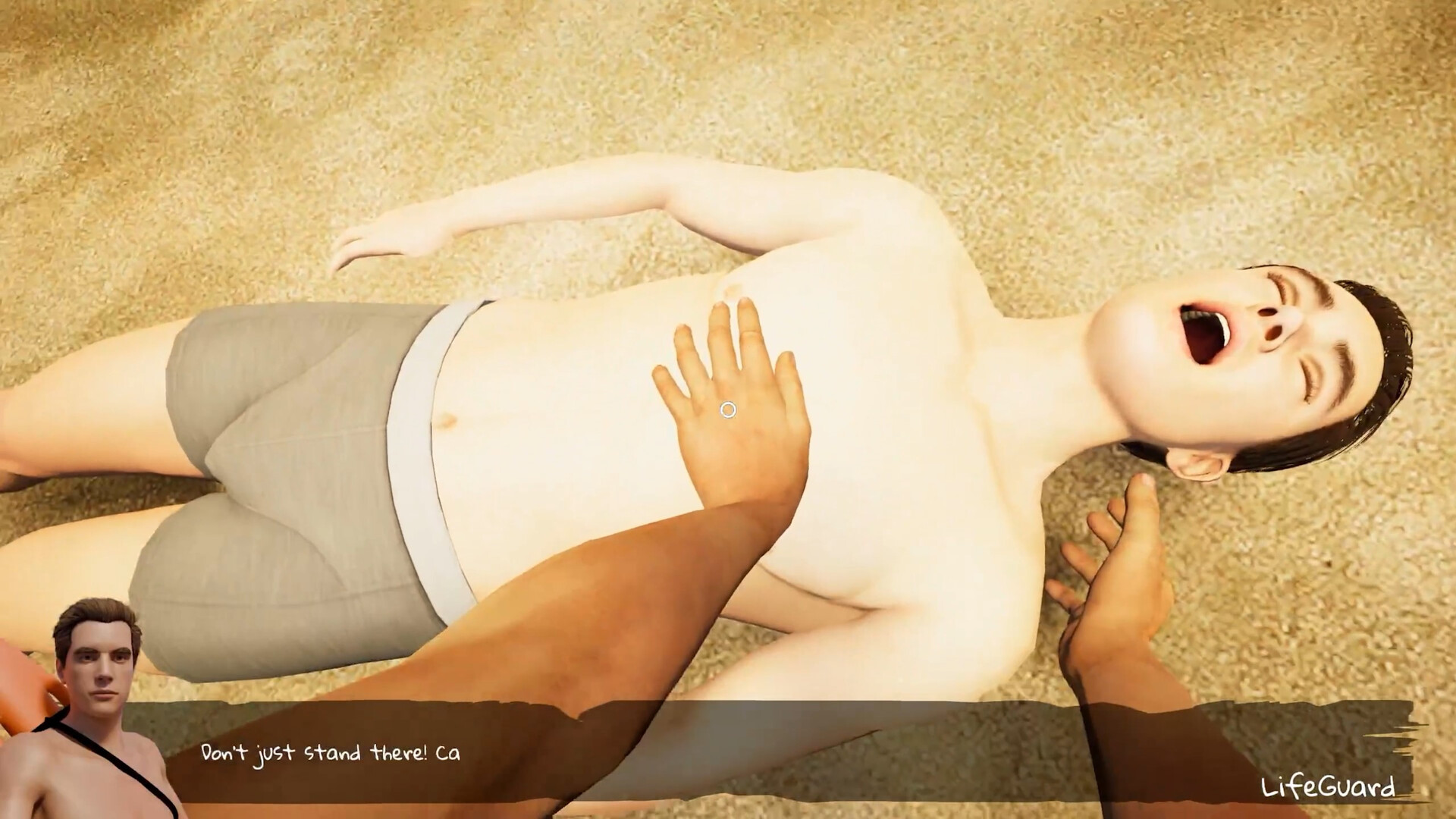
Lifeguard Simulator is a Windows Unity game on Steam (app 1320170, demo 4743410). Before a ten-day Early Access run, match your PC to published minimum and recommended specs and know which settings to cut when frame time spikes. For launch context, read Early Access; for first-hour play, open getting started.
Quads, jet skis, boats, drones, and helicopters stress CPU, GPU, and storage differently than an empty menu. Parties, kids, tickets, marine animals, and shark alerts stack entities while water rendering keeps the GPU busy. Treat these numbers as a floor—not a promise of max settings at 4K.
Minimum requirements
- OS: Windows 10 64-bit
- CPU: Intel Core i5–class (or AMD equivalent)
- RAM: 8 GB
- GPU: GeForce GTX 1060 6 GB (or similar DX11 GPU)
- DirectX: 11
- Storage: about 13 GB
On minimum hardware, lower crowds, shadows, and water-adjacent options during peak density. A successful rescue still matters more than ultra reflections—see how to rescue once FPS is stable enough to swim straight.
Recommended requirements
- OS: Windows 10 64-bit (many players run Windows 11 day to day)
- CPU: Intel Core i7–class (or AMD equivalent)
- RAM: 8 GB listed floor; more helps multitasking, but follow official guidance first
- GPU: GeForce RTX 2060–class (or similar)
- DirectX: 12 path on recommended configs
- Storage: about 15 GB
Recommended GPUs keep water readable while you scan—critical when oxygen is already counting down.
Storage, demo, and installs
Budget the 13–15 GB window plus page-file slack. Crowded nearly-full HDDs hitch when beach assets stream mid-patrol. The demo is a smart thermal and comfort test before you buy Early Access (~$9.99, intro ~$8.99 into early December 2026—recheck Steam). Verify game files if you see repeated pop-in.
Steam Deck and handhelds
Steam Deck verification is unknown / not confirmed in this wiki’s facts. Some Unity titles run with tweaks; others struggle with water, crowds, or motion comfort. If you try Deck-class hardware:
- Start on low-to-medium presets with a framerate cap.
- Watch GPU/CPU bounds during parties.
- Test drone flight and swimming readability, not only menus.
- Do not assume Proton equals desktop Windows.
Share findings via channels on the Links Hub and watch the Updates Hub for any official Deck note.
Performance tips for crowds and water
Cut cost in this order unless a patch says otherwise:
- Crowd detail — parties and packed sand spike CPU+GPU.
- Shadows / ambience — expensive while panning tower to shore.
- Water / post-process — keep enough clarity to spot swimmers.
- Resolution scale — a small drop can save a rescue at 20 FPS.
- Background apps — browsers and overlays compete with streaming.
Cap FPS if thermals climb in helicopter scenes. If hitching aligns with saves or zone transitions, prefer faster storage.
Display and comfort
First-person swimming plus optional top-down can bother sensitive players. Lower look sensitivity and practice camera swaps on quiet sand—see controls. Bright glare may need gamma tweaks so distant guests stay visible. The AI narrator is light on GPU; turn it off if audio cues compete.
Specs to gameplay checklist
- Map inputs on controls.
- Complete getting started.
- Learn craft roles on the Vehicles Tier List.
- Follow pacing in the day walkthrough.
- Keep patch eyes on Early Access.
Quick table
| Tier | CPU idea | GPU idea | RAM | DX | Storage |
|---|---|---|---|---|---|
| Minimum | i5-class | GTX 1060 6 GB | 8 GB | 11 | ~13 GB |
| Recommended | i7-class | RTX 2060-class | 8 GB+ | 12 | ~15 GB |
Re-verify on the Steam store if this wiki and the store disagree after a patch. FreeMind and PlayWay may adjust requirements as EA content grows.
Return to the Tools Hub for controls, or the Guides Hub once your PC is ready for the beach.
Frequently Asked Questions
Quick answers to the most common questions.
What are the minimum specs for Lifeguard Simulator?
Windows 10 64-bit, i5-class CPU, 8 GB RAM, GTX 1060 6 GB–class GPU, DirectX 11, and about 13 GB storage. Lower settings on crowded beaches near this floor.
What are the recommended specs?
Step up to an i7-class CPU, RTX 2060–class GPU, DirectX 12 path, and about 15 GB storage for smoother crowd and water scenes.
Does it run on Steam Deck?
Deck verification is not confirmed here. Treat handheld play as experimental and watch the Updates Hub for official notes.
Why does FPS drop on the beach?
Dense crowds, parties, water, and multiple vehicles stress Unity. Cut crowd detail and shadows first, then scale resolution.
Should I try the demo first?
Yes if you are unsure about thermals or comfort—demo app 4743410—then continue with getting started.